ACCESS / DENY 설정

Client에서 접속을 시도할 때, 특정 IP address 나 newtork/netmask 들을 기준으로 요청에 대한 ACCESS/DENY를 설정할 수 있다.

    • 요청 허용과 제한이 적용되는 순서 설정
    • ACCESS 절은 DIRECTORY/URI/EXT/TCPGW 절에 적용될 수 있으며, 각각에서 정의한 리소스를 허용 또는 제어한다. 

예시

ACCESS 절 추가

#WebtoB
vi http.m

#ACESS절 추가
*ACCESS
#특정 IP만 DENY, 그 외 모든 IP 허용
access1  Order = "allow, deny", Allow = "all"
access2  Order = "deny, allow", Deny = "[IP 1],[IP 2]",Allow = "[IP 1],[", 
access3  Order = "allow, deny", Allow = "211.1.1.0/255.255.255.0"
access4  Order = "deny, allow", Deny = "211.1.1.30"
access5  Order = "allow, deny", Allow = "all",Deny = "211.1.1.30"

ACCESS 절은 Order 옵션의 순서에 따라 설정이 다르게 적용된다.

allow, deny : Method> Allow> AllowIf> Deny> DenyIf 순서로 match 한다.

deny, allow : Method > Deny > DenyIf > Allow > AllowIf 순서로 match 한다.

vi http.m

*ACCESS
access1  Order = "allow, deny", Allow = "all"
access2  Order = "allow, deny", Allow = "211.1.1.10, 211.1.1.20"
access3  Order = "allow, deny", Allow = "211.1.1.0/255.255.255.0"
access4  Order = "deny, allow", Deny = "211.1.1.30"
access5  Order = "allow, deny", Allow = "all",Deny = "211.1.1.30"


필수 옵션 ACCESS name = <string> Access 절의 이름을 임의로 정할 수 있다.
선택 옵션 Method = <literal> 적용 할 HTTP 메소드를 설정한다.
MethodException = <literal> 제외 할 HTTP 메소드를 설정한다.  
Order = <literal>    
Default - "Deny,Allow" Allow, AllowIf, Deny, DenyIf, Method가 적용되는 순서를 설정한다 (하단 표 참조)  
Allow = <literal> 요청이 허용되는 IP 주소나 network/netmask들을 설정  
Deny = <literal> 요청이 거절되는 IP 주소나 network/netmask들을 설정  


GOTOEXT = Y 설정이 들어가 있는 경우

GOTOEXT = Y 설정이 있는 경우, JEUS를 거치지 않고 바로 WebtoB로 요청을 처리하기 때문에 URI로 요청이 가지 않는다.

이럴 경우, 요청을 받는 해당 vhost에 rewrite 설정을 통하여 특정 IP에 대한 요청을 처리해야 한다.

  • URLRewrite
  • URLRewriteConfig
vi http.m

v_test          DOCROOT="/home/webtob5/webtob/docs/",
                HOSTNAME = "mail.test.com",
                HOSTALIAS = "192.168.40.137",
                PORT = "80",
                ServiceOrder = "uri,ext",
                ERRORDOCUMENT = "403,404,503",
                METHOD = "GET, POST, -HEAD, -OPTIONS",
                #Headers = "gzip,cors_all",
                #Headers ="security,X-XSS,X-Content,strict,X-Download",
                **URLRewrite = Y,
                URLRewriteConfig = "$WEBTOBDIR/config/rewrite.conf",**
                LOGGING = "acc_test",
                ERRORLOG = "err_test"
vi rewrite.conf

RewriteCond %{REQUEST_URI} !error ## 무한 redirect 방지
RewriteCond %{REMOTE_ADDR} ^139.xx.xx.132$ ##특정 ip 
RewriteRule . <https://xxx.go.kr/err/error.html> ##호출 url 페이지

즉, IP가 139.xx.xx.132로 들어오는 요청에 대해 https://xxx.go.kr/err/error.html errorpage로 redirect 시키겠다는 의미이다.

해당 포스팅은 특정 URL 요청을 http로 호출하고, 그 외의 호출들은 https로 호출하는 방법을 가이드 합니다.


여러가지 방법이 있겠지만, 작성자는 Web Server의 Rewrite를 활용하였습니다.


80 PORT 로 들어오는 요청과 443 PORT로 들어오는 요청 각각으로 Rewrite를 사용하였습니다.


[DENY URL]

  • /netzero
  • /test

[호출 Domain]


* VHOST 절 설정

v_mail          DOCROOT="/home/webtob5_1/webtob/docs/resource/",
                HOSTNAME = "192.xxx.xxx.137",
                HOSTALIAS = "mail.test.com",
                PORT = "80",
                ServiceOrder = "uri,ext",
                ERRORDOCUMENT = "403,404,503",
                METHOD = "GET, POST, -HEAD, -OPTIONS",
                URLRewrite = Y,
                URLRewriteConfig = "config/rewrite.conf",
                #Headers = "gzip,cors_all",
                LOGGING = "acc_mail",
                ERRORLOG = "err_mail"

v_mail_ssl      DOCROOT="/home/webtob5_1/webtob/docs/resource/",
                HOSTNAME = "192.xxx.xxx.137",
                HOSTALIAS = "mail.test.com",
                PORT = "443",
                ServiceOrder = "uri,ext",
                ERRORDOCUMENT = "403,404,503",
                METHOD = "GET, POST, -HEAD, -OPTIONS",
                URLRewrite = Y,
                URLRewriteConfig = "config/rewrite_ssl.conf",
                SSLFLAG = Y,
                SSLNAME = "ssl_tmax",
                LOGGING = "acc_mail",
                ERRORLOG = "err_mail"

rewrite.conf 조건

  • Client에서 http 요청이 들어올 경우
  • Client에서 /netzero 의 URL 로 요청이 들어올 경우 rewrite 사용 X
  • Client에서 /test 의 URL 로 요청이 들어올 경우 rewrite 사용 X
  • 그 외 모든 호출은 https로 rewrite
#rewrite.conf

RewriteCond %{HTTPS} !=on
RewriteCond %{REQUEST_URI} !^/netzero/
RewriteCond %{REQUEST_URI} !/test/
RewriteRule . https://%{HTTP_HOST}%{REQUEST_URI} [L]

rewrite_ssl.conf 조건

  • Client에서 직접 https로 /netzero URL을 호출한 경우
  • Client에서 직접 https로 /test URL을 호출한 경우
#rewrite_ssl.conf

RewriteRule /netzero/ http://%{HTTP_HOST}%{REQUEST_URI} [L]
RewriteRule /test/ http://%{HTTP_HOST}%{REQUEST_URI} [L]

Page 호출 테스트

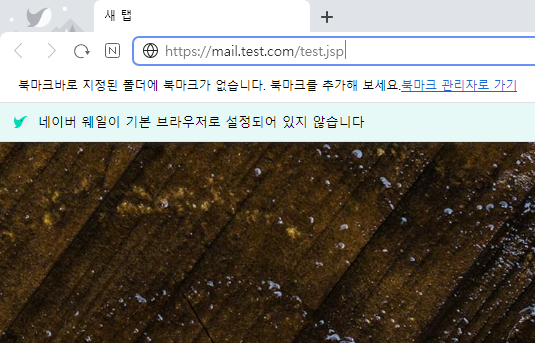
1. http://mail.test.com/test.jsp

2. https://mail.test.com/test.jsp

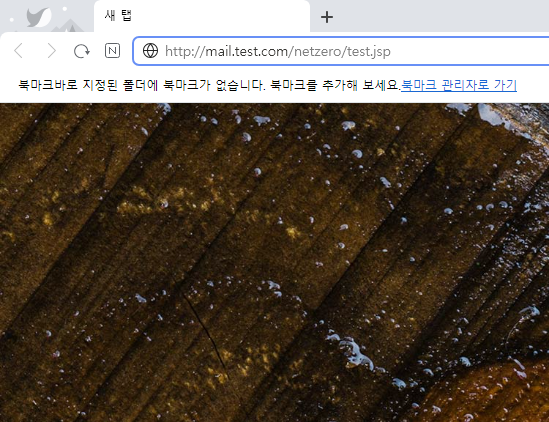
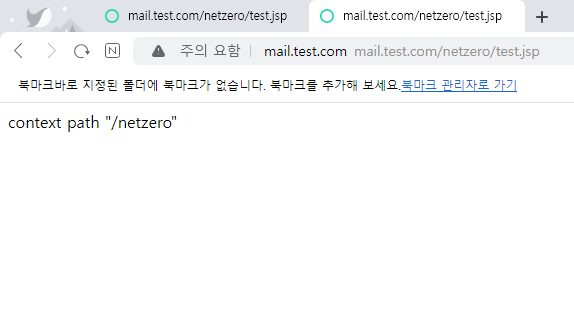
3. http://mail.test.com/netzero/test.jsp

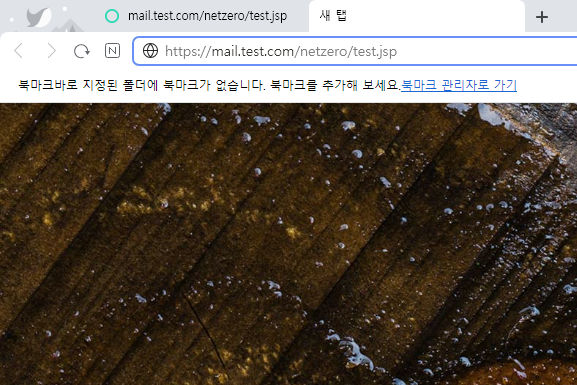
4. https://mail.test.com/netzero/test.jsp

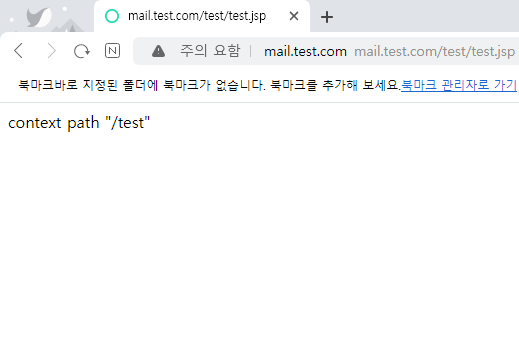
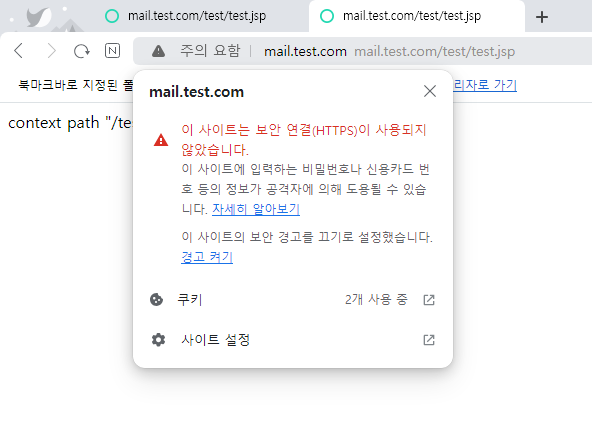
5. http://mail.test.com/test/test.jsp

6. https://mail.test.com/test/test.jsp

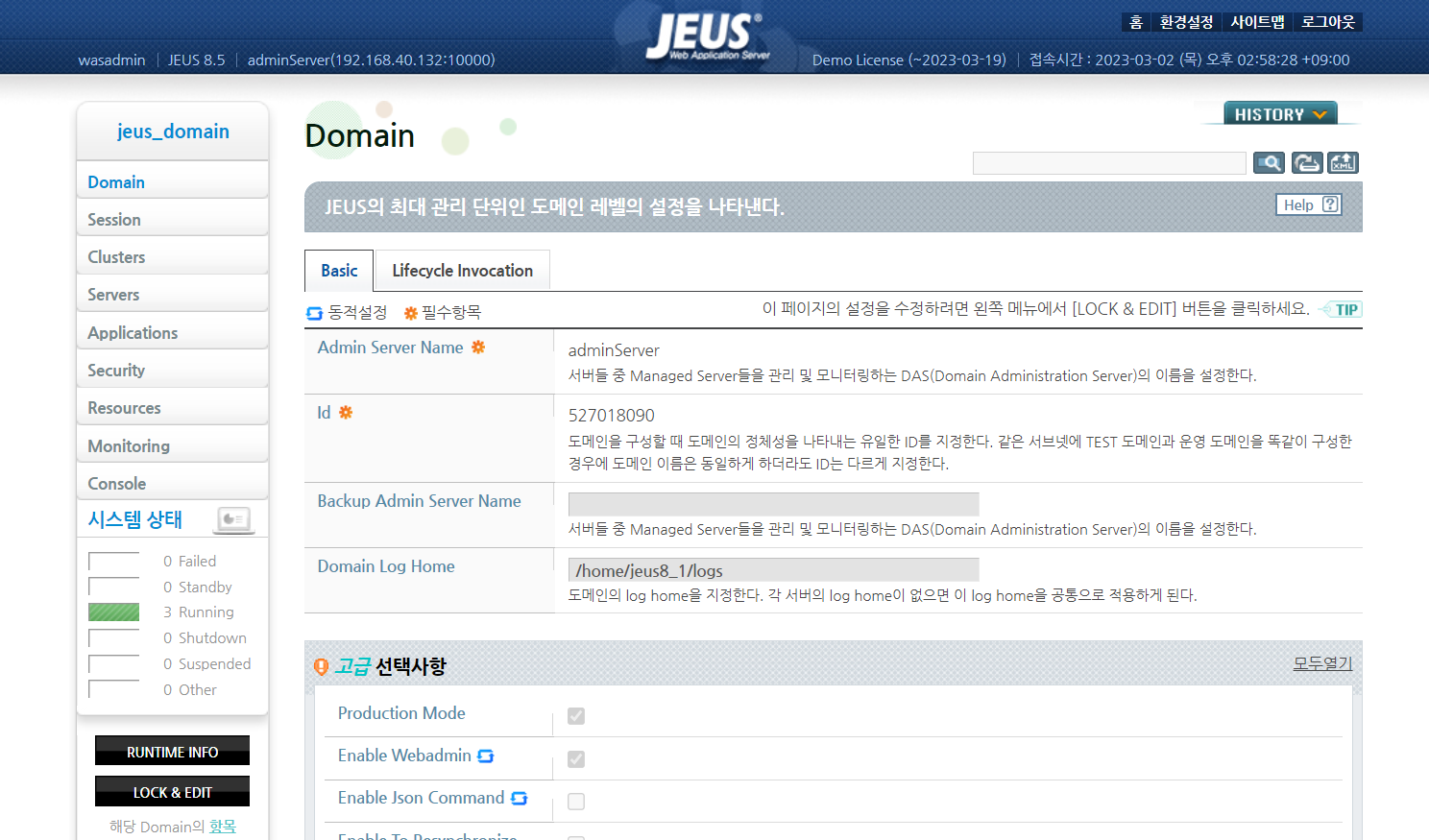
WEBADMIN PAGE

Domain → Domain Log Home 경로 변경

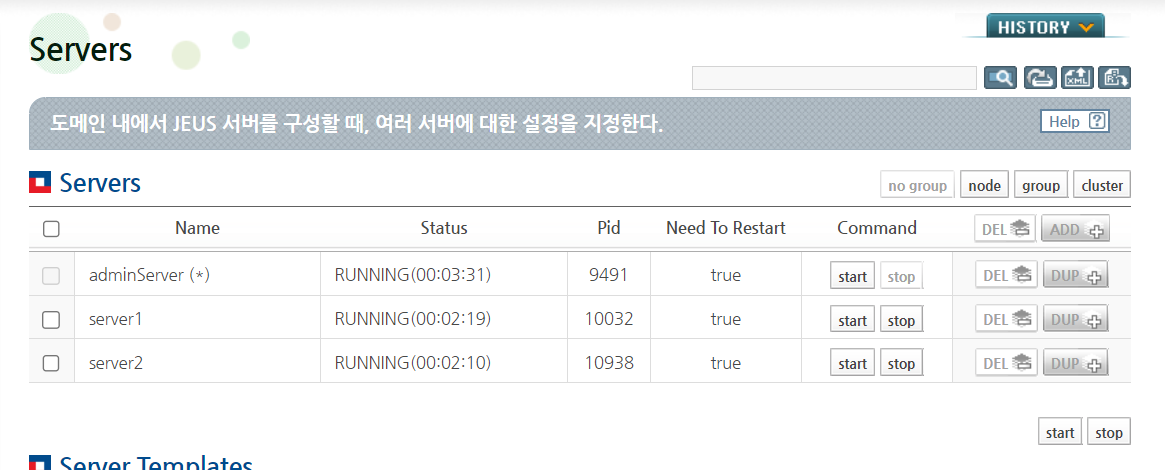
Domain Log Home 경로 변경 시 DAS 및 MS Container 모두 재기동 필요

DAS 중지 시 컨테이너 및 서비스 영향 없음

→ AdminPage 및 DSA 접근 불가

컨테이너 중지 시 서비스 영향

환경변수 jlog Alias 경로 변경

gclog 로그 경로 변경

MS Container 별 jvm option 중 gclog 경로 변경 필요

dump 로그, 경로 변경

MS Container 별 jvm option 중 dump경로 변경 필요

launcher 로그 경로 변경

/home/jeus8_1/jeus8_5/bin/jeus.properties

-Djeus.launcher.log.home=[변경할 로그 경로]/launcher/

nodemanager 로그 경로 변경

/home/jeus8_1/jeus8_5/nodemanager/jeusnm.xml

<logFileName>/home/jeus8_1/jeus8_5/logs/nodeManager/JeusNodeManager.log</logFileName>

* curl로 Content-Encoding: gzip 확인하기*

- 테스트 버전 : WEBTOB4.1.9.1, WEBTOB 5.0.0.4 


- 설정 : html    SVGNAME = htmlg, MinProc = 10, MaxProc = 10, Compression ="text/html"   

http.m

호출 :curl -vk  http://www.test.co.kr/test.html -H "Accept-Encoding: gzip" -o test.html


* 결과

WEBTOB4.1.9.1

*   Trying 127.0.0.1...
* Connected to www.test.co.kr (127.0.0.1) port 80 (#0)
> GET /test.html HTTP/1.1
> User-Agent: curl/7.29.0
> Host: www.test.co.kr
> Accept: */*
> Accept-Encoding: gzip
>
< HTTP/1.1 302 Found
< Date: Wed, 21 Sep 2022 08:20:31 GMT
< Connection: close
< Location: https://www.test.com/test.html
< Content-Type: text/html
< Content-Length: 140
<
Warning: Binary output can mess up your terminal. Use "--output -" to tell
Warning: curl to output it to your terminal anyway, or consider "--output
Warning: <FILE>" to save to a file.
* Failure writing output to destination
* Closing connection 0


WEBTOB5.0.0.4

  % Total    % Received % Xferd  Average Speed   Time    Time     Time  Current
                                 Dload  Upload   Total   Spent    Left  Speed
  0     0    0     0    0     0      0      0 --:--:-- --:--:-- --:--:--     0* About to connect() to www.test.co.kr port 80 (#0)
*   Trying 127.0.0.1...
* Connected to www.test.co.kr (127.0.0.1) port 80 (#0)
> GET /test.html HTTP/1.1
> User-Agent: curl/7.29.0
> Host: www.test.co.kr
> Accept: */*
> Accept-Encoding: gzip
>
< HTTP/1.1 302 Found
< Date: Wed, 21 Sep 2022 08:20:31 GMT
< Connection: close
< Location: https://www.test.com/test.html
< Content-Type: text/html
< Content-Length: 140
<
{ [data not shown]
100   140  100   140    0     0   9133      0 --:--:-- --:--:-- --:--:-- 10000
* Closing connection 0


- 특이사항 
WebtoB4 compression은 브라우저에서 제공되는 것이기 때문에, curl에서는 압축을 풀수 없음.
  위 Warning 메시지 표출됨. 
  다만, 아래와 같이 -o test.gz 설정을 추가하여 압축 파일로 형태로 내려 받을 수 있음. 

curl -vk  http://www.test.co.kr/test.html -H "Accept-Encoding: gzip" -o test.gz
  % Total    % Received % Xferd  Average Speed   Time    Time     Time  Current
                                 Dload  Upload   Total   Spent    Left  Speed
  0     0    0     0    0     0      0      0 --:--:-- --:--:-- --:--:--     0*   Trying 127.0.0.1:80...
* Connected to www.test.co.kr (127.0.0.1) port 80 (#0)
> GET /test.html HTTP/1.1
> Host: www.test.co.kr
> User-Agent: curl/7.79.1
> Accept: */*
> Accept-Encoding: gzip
>
* Mark bundle as not supporting multiuse
< HTTP/1.1 200 OK
< Date: Tue, 20 Sep 2022 06:59:36 GMT
< ETag: "0-1218-5aadf2dc"
< Last-Modified: Sun, 18 Mar 2018 05:02:20 GMT
< Accept-Ranges: bytes
< Content-Type: text/html
< Content-Encoding: gzip
< Content-Length: 546

<
{ [data not shown]
100   140  100   140    0     0   9133      0 --:--:-- --:--:-- --:--:-- 10000
* Closing connection 0


생성된 파일 확인

vi test.html

<!DOCTYPE HTML PUBLIC "-//IETF//DTD HTML 2.0//EN">
<HTML><HEAD>
<TITLE> 302 Found </TITLE>
</HEAD><BODY>
<H1>Found</H1>
<HR>
</BODY></HTML>

'MiddleWare > WebtoB' 카테고리의 다른 글

[WebtoB] URLRewrite 설정  (0) 2022.10.11
[WebtoB] Shared Memory 에러 해결 방법  (0) 2022.10.11
[WebtoB] DOCROOT, URI, EXT, GotoEXT 설정  (0) 2022.08.10
[WebtoB] TRACE LOG 설정  (0) 2022.08.04
[WebtoB] X-Forwarded-For(XFF) 설정  (1) 2022.08.04

+ Recent posts